Miss You Ecards
Choose a free Miss You ecard, add your personal message, and share by email, WhatsApp, or link. No account needed.
7 cards available
Sort:
 ⭐ Editor Pick
Send this card
Missing You Sad Boy Bench
275 sends
 ⭐ Editor Pick
Send this card
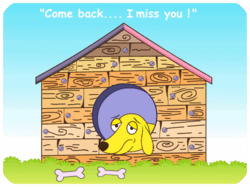
Missing You Yellow Dog House
194 sends
 ⭐ Editor Pick
Send this card
Miss You Blue Background
183 sends
Send this card
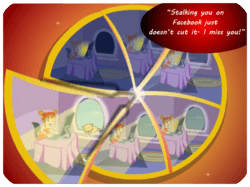
Missing You Friendship Fairy
70 sends

Send this card
Miss You Party Sad Man
94 sends
 ⭐ Editor Pick
Send this card
Missing You Unicorn Prince
322 sends
Send this card
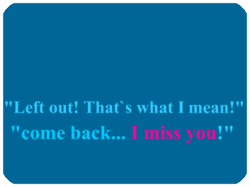
Missing You Blue Text
35 sends
✨ Make it personal
Miss You message ideas
Use one of these messages as a starting point, then add a personal note of your own.
For a friend
I miss our catch-ups and all the laughs in between. Let’s find time to talk soon.
For family
Home feels a little closer whenever we talk. Missing you and sending a big hug.
For your partner
Missing the little everyday moments with you. Can’t wait until we’re together again.
Miss You ecard FAQs
Choose a card, add your name and personal message, then select Email. Enter the recipient’s details and your email address, preview your card, and send. If the email does not arrive, ask the recipient to check their spam or junk folder.
Yes. After personalizing your card, choose WhatsApp or Copy Link on the delivery step. Open WhatsApp to choose a recipient and send, or copy the card link into a text message or another messaging app.
Yes. Visit Photo Cards to place your picture inside a frame, or Face Ecards to add a face to an animated character. Choose a design from those collections, upload your photo, and preview before sending. Available occasions vary by collection.
Ecards are free to send and receive. Neither you nor your recipient needs an account. A free account lets you view your sent-card history and set reminders.
Yes, for email delivery. Choose Schedule for later, set the send date and time zone, then select Schedule Card. Scheduled cards are sent early that morning, around 4 a.m. in the selected time zone. WhatsApp and Copy Link do not support scheduling.