Congratulations Ecards
Choose a free Congratulations ecard, add your personal message, and share by email, WhatsApp, or link. No account needed.
4 cards available
Sort:
Send this card
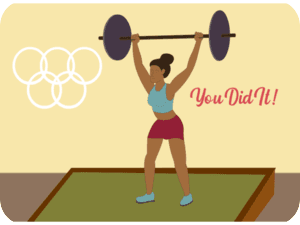
Motivational Sports Achievement Weightlifting
Send this card
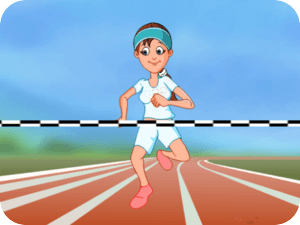
Motivational Sports Running Girl
265 sends
Send this card
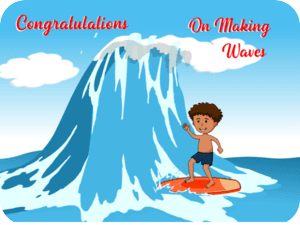
Congratulations Surfing Waves Kid
19 sends
Send this card
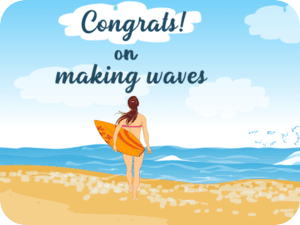
Beach Surfing Congratulations Summer
8 sends
✨ Make it personal
Congratulations message ideas
Use one of these messages as a starting point, then add a personal note of your own.
For a new job
Congratulations on your new job! Wishing you a great start and plenty of opportunities to shine.
For an achievement
You worked hard for this, and I’m so proud of you. Congratulations on a well-earned achievement!
For a new chapter
Such exciting news! Wishing you joy and confidence as you begin this next chapter.
Congratulations ecard FAQs
Choose a card, add your name and personal message, then select Email. Enter the recipient’s details and your email address, preview your card, and send. If the email does not arrive, ask the recipient to check their spam or junk folder.
Yes. After personalizing your card, choose WhatsApp or Copy Link on the delivery step. Open WhatsApp to choose a recipient and send, or copy the card link into a text message or another messaging app.
Yes. Visit Photo Cards to place your picture inside a frame, or Face Ecards to add a face to an animated character. Choose a design from those collections, upload your photo, and preview before sending. Available occasions vary by collection.
Ecards are free to send and receive. Neither you nor your recipient needs an account. A free account lets you view your sent-card history and set reminders.
Yes, for email delivery. Choose Schedule for later, set the send date and time zone, then select Schedule Card. Scheduled cards are sent early that morning, around 4 a.m. in the selected time zone. WhatsApp and Copy Link do not support scheduling.